Léonard Noth
ENFRDE
← projects

FlowerCam

A robot you can drive from your sofa

A telepresence robot in a shop, so someone at home can walk the aisles and be served in person.

Role
Lead developer, technical lead
Scope
Hardware evaluation · Streaming architecture · Real-time video processing · Client applications · Deployment in shops
Built with
WebRTC, Node.js, Flutter, Svelte, Redis, Python, Linux
Team
Institute project with several colleagues at iSIS, supervised by Dr Sandy Ingram; I led the engineering
Timeline
March 2021 – August 2023
Outcome
Ran in three partner shops in Fribourg (a florist, a furniture shop and a relaxation retailer) with a mobile app on both stores and real-time face blurring that let the robot operate in a shop with customers in it.

The problem

The idea came from a florist. Adrien Hertig noticed his customers had stopped coming into town and were ordering online instead, and thought it would be good if they could still be walked around the shop by one of his staff. Then COVID closed the shops entirely. The question became whether a remote customer could genuinely browse a real shop from a phone: see what they wanted to see, be served by a person.

My role

I was the main developer and I shepherded the whole thing. I built the WebRTC streaming server, drove the hardware evaluation, and led the real-time conditional face blurring. I didn't touch Janus, and none of it was done alone, but I did most of the work and directed the rest.

Read as
The essentials in two minutes

The system design

  1. The customer calls a shop

    A Flutter app lists the participating shops; the customer picks one and joins that shop's queue.

    • One codebase for iOS, Android and the web
    • The web client it replaced refused to run on Safari and asked iPhone users to install Chrome; that page was the argument for rewriting it
  2. The shop accepts

    A signalling server keeps one robot slot and a waiting queue per shop, and only connects a call when the shop chooses to take it.

    • The shop screen shows the queue plus missed and completed calls
    • Nobody is connected to the robot without a person in the shop agreeing
  3. Media through our own server

    The server holds two separate peer connections, one to the robot and one to the customer, so every frame passes through a process we control.

    • The customer's audio and video are forwarded to the robot untouched
    • The robot's video is intercepted frame by frame instead of being relayed
    • One robot can be watched by several clients without the robot paying for the fan-out
  4. Blur the faces that aren't staff

    Each frame is decoded, faces are detected, employees are recognised and left sharp, everyone else is blurred, and the frame is re-encoded.

    • Detection and recognition are split across two libraries, chosen by benchmark rather than reputation
    • The shop uploads photos of its own staff; those faces stay sharp
    • The current frame gets the most recent available mask, because waiting for its own mask would cost 0.3–0.5 s
  5. Drive the robot

    The same channel carries movement, camera and pole-height commands to the robot, but only while the shop has enabled it.

Platform services
  • Node WebRTC server

    A real peer on both sides of the call, so the video can be inspected and modified in flight

  • Self-hosted STUN/TURN servers

    Run on our own infrastructure, so calls survive the NAT and firewalls of a real shop network

  • Worker pool

    Splits mask generation from blurring across threads; the naive one-mask-per-frame version was slower than no threads at all

  • Redis pub/sub

    Carries ~11 MB uncompressed frames to the face service; WebSockets and RabbitMQ both fell irrecoverably behind

  • Python face service

    Detection on GPU plus identity matching, returning which faces are known staff and which are not

  • Flutter client

    iOS, Android and web from one codebase, after Safari made the web-only client untenable

  • nginx on the robot

    The robot only lets you point it at a URL, so the shop app is a website served by the robot itself

Key decisions

The server became a peer, so peer-to-peer had to go

instead of · Keeping true peer-to-peer and blurring at one of the edges

Blurring bystanders was a legal requirement, and neither edge could carry it. We tried both: the robot idles at around 60% CPU before our code starts, and the in-browser path broke on iOS. The moment you accept that something must look at the pixels, peer-to-peer is impossible by definition. We took the cost: every frame decoded, processed and re-encoded, adding over 100 ms.

Wrote the streaming server instead of adopting Janus

instead of · Janus, which was already installed and working elsewhere in the project

Janus relays packets; it does not hand you decoded pixels. We needed a hook into the video itself, which meant building on a WebRTC library that exposes frames in plain JavaScript. Janus stayed on its own track for a different partner and never carried the product.

Split detection from recognition, across two libraries

instead of · Using one face library for both halves, which is the standard answer

Benchmarked over annotated images, one detector matched the accepted library's accuracy while being roughly fifty times faster, but only for finding faces. The slower library stayed for deciding whose face it was. The bottleneck was detection, so that is the half we replaced.

Blur with the most recent mask, not the matching one

instead of · Holding each frame until its own mask comes back

Detection plus recognition costs 0.3–0.5 s per frame; waiting would have made the call unusable. The consequence is real and documented: on fast movement the blur lags off the face for a moment, which is precisely the thing the feature exists to prevent. I would rather ship a known, measured weakness than an unmeasured one.

In action

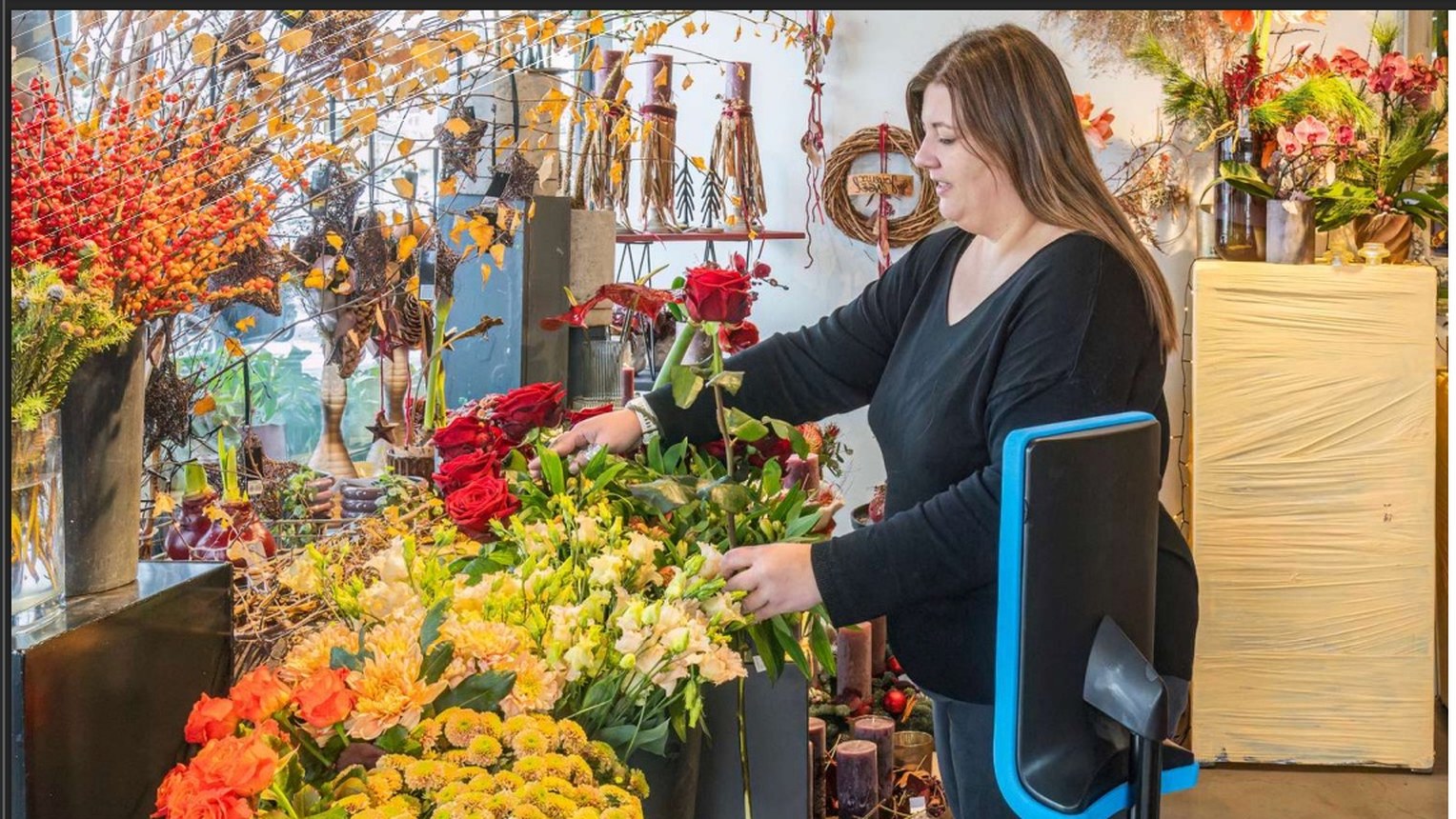
A robot on the shop floor at Hertig Fleurs, one of the three partner shops.

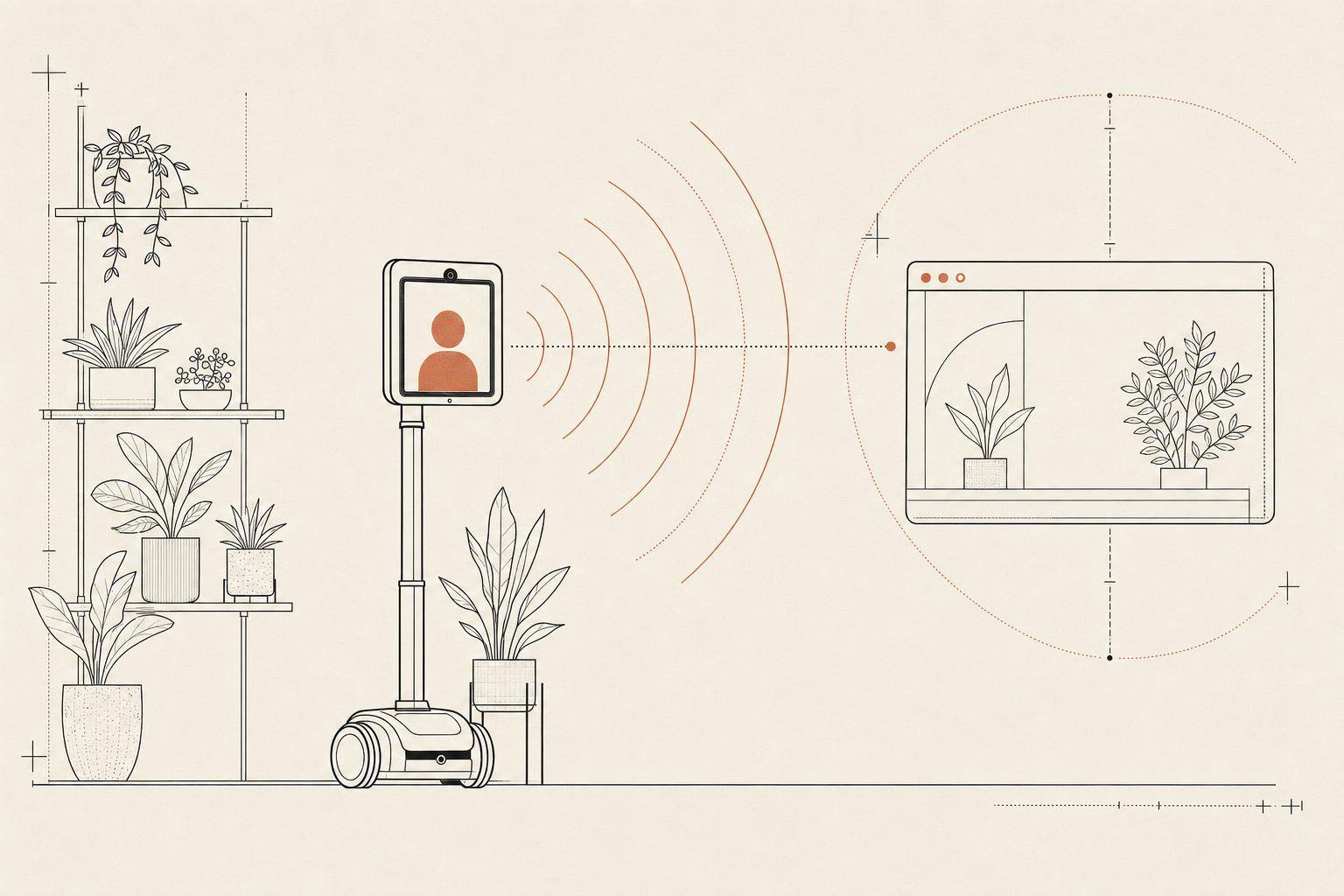
An institute project with local retailers: put a Double Robotics telepresence robot on the shop floor and let a customer drive it from a browser. Not a webcam and not a catalogue. The point was that the shopkeeper serves a person who happens to be remote, and that person can look at what they want to look at.

The hard part is that it has to work from a browser, over the public internet, in a shop's network. That means WebRTC end to end: STUN and TURN servers for the connections that won't go peer-to-peer, a signalling layer to introduce the two sides, and a media path that survives a retail wifi connection.

I did the equipment research that chose the platform, built the signalling server, and wrote the two Svelte applications either side of the call, one for the customer and one for the shop, with the shop able to pick which waiting customer to take. I also wrote and maintained the store installation guide, which is the document that made the difference between a demo and something a shopkeeper could actually be handed.

It ran in real shops in the canton, not just the lab.
What I learned

  • A privacy requirement can dictate your entire network topology. Face blurring wasn't a feature we bolted on. Accepting that we had to look at the pixels killed peer-to-peer outright. I now read 'we need to process the media' as 'you are building a media server, budget for it'.
  • Benchmark on the weakest device, not the one on your desk. The blurring ran beautifully on my laptop, which is exactly why we believed it would run on the robot.
  • The transport was the bottleneck, not the model. An uncompressed frame is about 11 MB; at fifteen to twenty frames a second, two message queues fell behind and memory climbed until it crashed. The inference was never the hard part.
  • In a privacy system the two error directions are not equal. Missing a staff member means they get blurred, which is annoying. Missing a customer means an unblurred face goes out over the internet. That asymmetry is a tuning instruction, not a footnote.
  • Browser compatibility can be a product decision. When your login page has to tell iPhone users to install a different browser and untick four experimental flags, you have stopped patching and started rewriting.

What it doesn't do

  • The blur follows the most recent mask, so fast movement can leave a face briefly unblurred. The failure mode is documented rather than hidden.
  • The project ended with the research; the shops are no longer running it.